A few years ago, wearing tech on your face meant looking like a walking robot. So, when friends ask me, What Do Smart Glasses Look Like? Types, Cameras, Displays & Designs, I just laugh and point to the chic, normal-looking frames sitting on my nose. Newsflash! In 2026, normal-looking AI glasses have completely taken over the fashion world.

Whether you are a busy business man, a trendy girl, or just someone tired of staring down at a phone, smart eyewear is the answer. We traded bulky virtual reality headsets for sleek frames that shoot video, show texts, and even handle your daily eye prescription. Let me walk you through exactly what is on the market right now, how smart glasses work, and what you should actually buy.
The Evolution of Face Tech Smart Glasses
Forget the heavy plastic bricks of the past; today’s top brand options mimic classic sunglasses and daily readers effortlessly. You can easily find round, oval, square, or classic wayfarer shapes that flatter every single face shape.
Shopping online at places like Amazon or Lenskart makes grabbing a pair super easy, with a price tag ranging from $150 to $500 depending on the tech inside. You get to choose your frame color, lens tint, and smart features without leaving your couch.
Breaking Down the Tech: 5 Types of Smart Glasses
1. Normal-Looking AI Glasses
This is where the magic happens for daily wear, giving you hands-free help without the weird looks. The rayban meta glasses pack hidden speakers and a tiny mic right into the arms, letting you talk to meta ai while walking down the street. You can ask for translations, weather updates, or even have the AI describe what you are looking at. Ray-Ban Meta Wayfarer – The absolute king of normal-looking AI glasses. They feature a 12MP camera, open-ear audio, and seamless Meta AI integration for about $299.

2. Camera Glasses
If you love snapping POVs for social media, camera glasses are your absolute best friend. The lenses hide a tiny 12MP to 50MP sensor right in the bridge, letting any boy or woman capture life instantly without pulling out a phone.
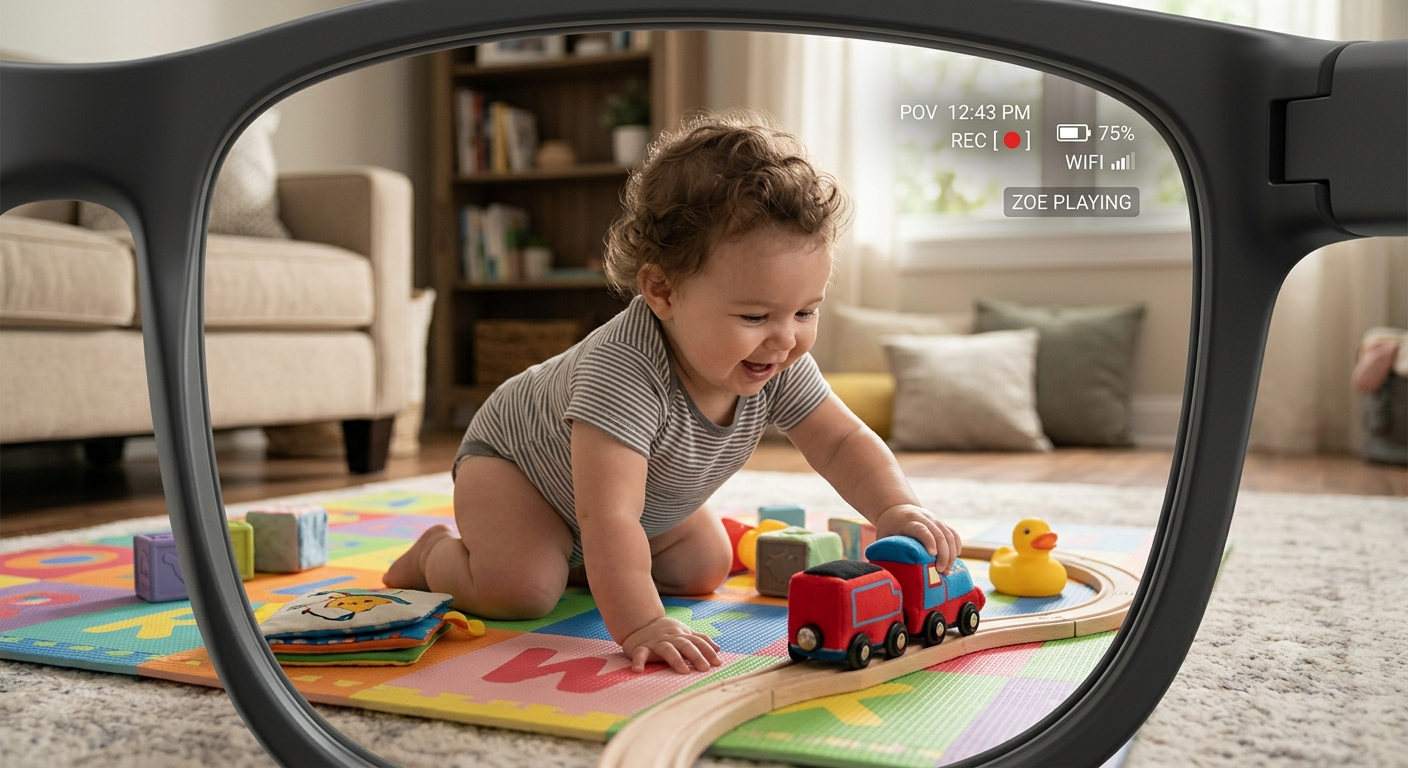
Most of these double as UV sunglasses, protecting your eyes while you film your beach vacation or morning commute. They look just like high-end fashion frames, completely fooling anyone who walks by.
3. Display Glasses
Need a massive computer screen but only have a tiny airplane tray table? Display glasses project a massive 120-inch virtual monitor right in front of your eyes using tiny micro-OLED screens hidden above the lenses.
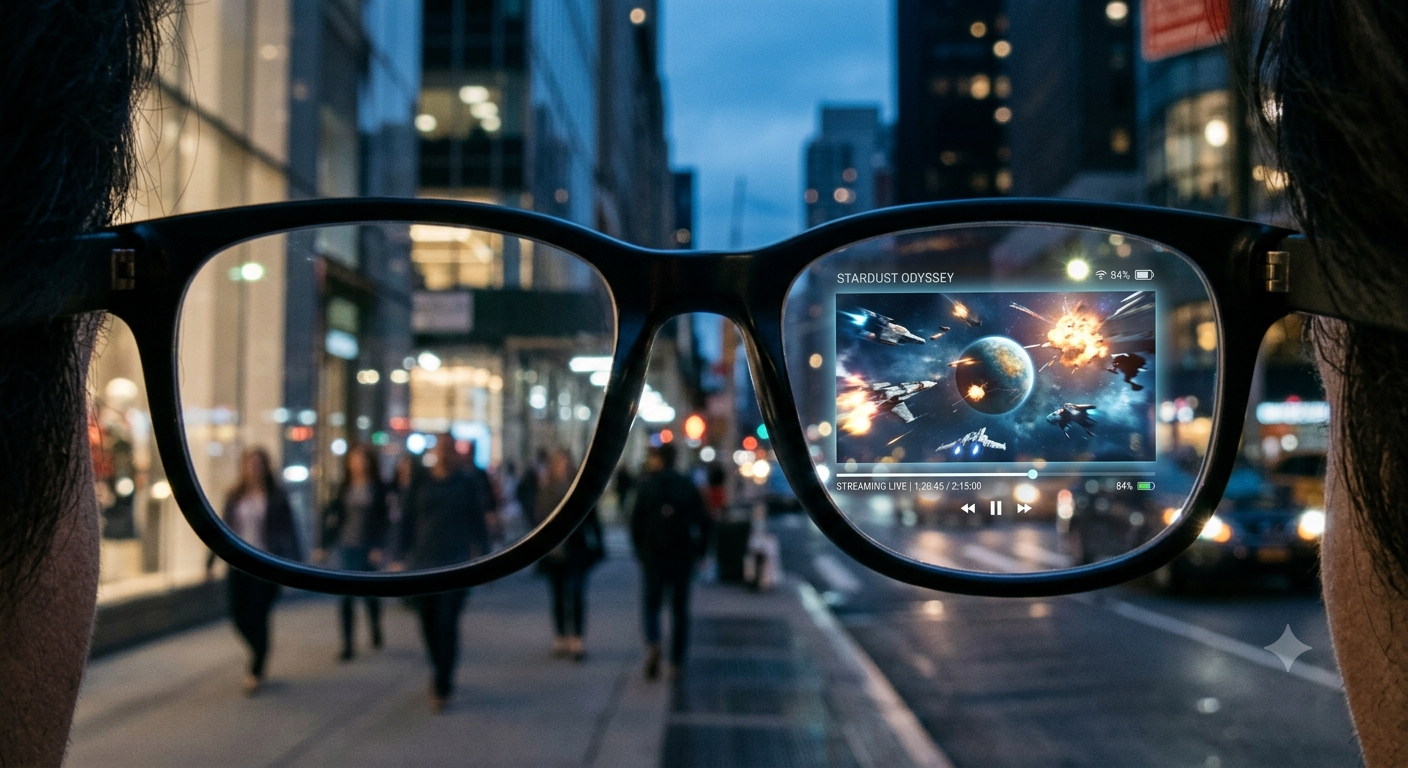
They are brilliant for reading private documents or watching movies, acting like a personal theater that fits right in your pocket. You just plug them into your phone or laptop via a simple USB-C cable.
4. AR Glasses
True AR glasses blend digital graphics with the real world, showing you walking directions or floating widgets right on the street. They are slightly thicker than regular frames to hold the battery and advanced display chips, but they still look like trendy eyewear.
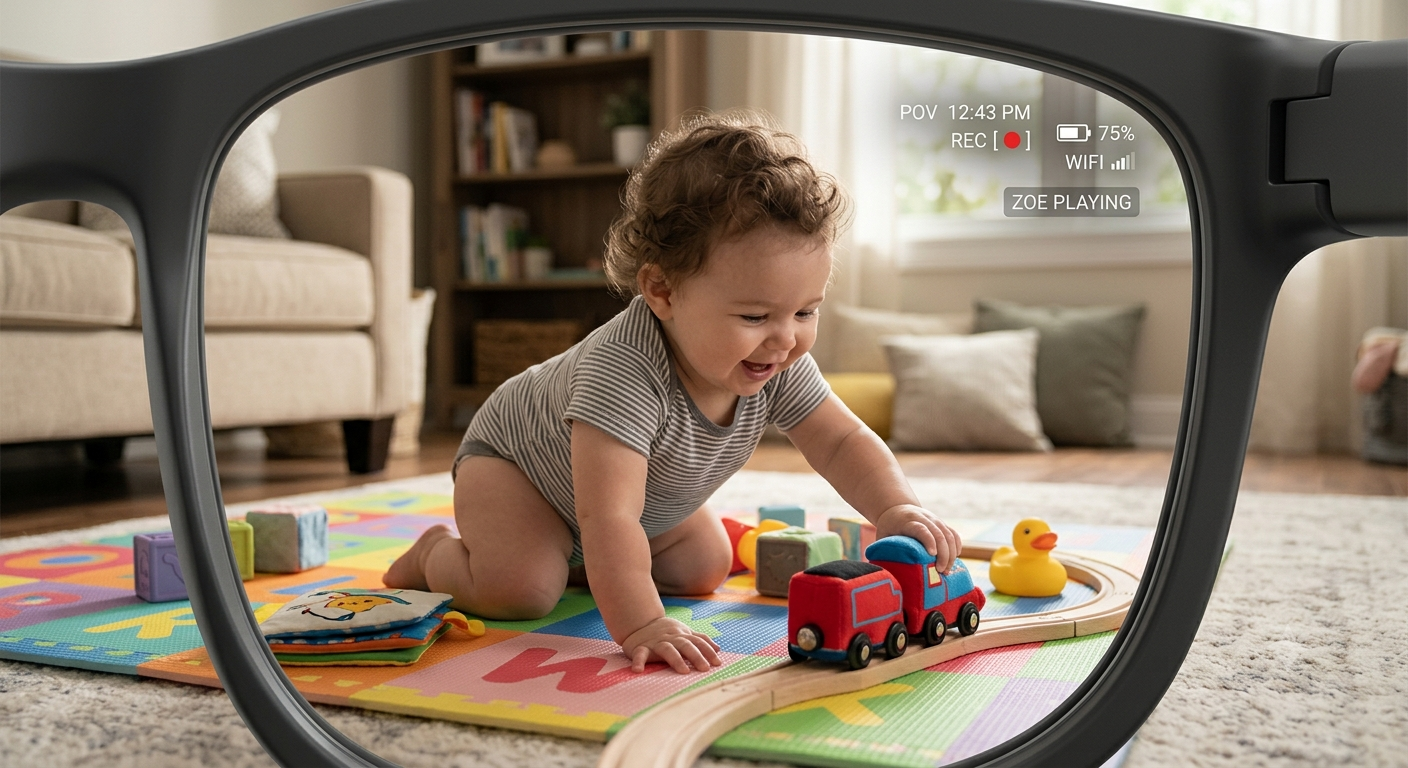
Unlike isolating virtual reality headsets, AR keeps you completely grounded in reality while giving you a futuristic heads-up display.
5. Sports Glasses
Runners and cyclists, this one is entirely for you. Sports glasses feature an aerodynamic wrap-around design, sweat-proof grips, and real-time biometric tracking right in the lens.
They show your heart rate, pace, and GPS maps without making you break your stride to check a heavy smartwatch. Soundcore Anker Smart Frames – These audio-only frames cost around $149, let you swap frame styles easily, and sound amazing for workout podcasts.
What About Prescription Smart Glasses?
Yes, you can absolutely get prescription smart glasses, and it is a total lifesaver for those of us who actually need help seeing. Brands let you upload your eye doctor’s script online and ship the finished product directly to your door in a few days.
Prices for adding custom lenses usually bump the total cost up by $50 to $150, but it is worth every penny for daily wear. You can even choose blue-light blocking lenses for long hours staring at your computer screen.
My Personal Pro-Tips for Buying & Maintenance
Always check the weight before you buy; anything over 80 grams will pinch the bridge of your nose after an hour. Stick to lightweight materials like titanium or advanced polymers for all-day comfort.
Keep the camera lenses clean with a soft microfiber cloth, because a smudged lens ruins your video quality instantly. Never use harsh glass cleaners; they will strip the expensive UV and anti-glare coatings right off your frames.
Buy a hard charging case so your frames power up safely in your bag while protecting the arms from snapping. I broke a $300 pair by tossing them loosely into my purse, so learn from my expensive mistake!
Final Thoughts on them?
Are you ready to ditch your heavy screens and grab a pair of smart frames? Drop a comment below and tell me if you prefer the classic rayban look or a futuristic display pair! I reply to every single comment.
Frequently Asked Questions (FAQs)
What do smart glasses actually look like?
Modern smart glasses look exactly like regular sunglasses or daily reading glasses. The batteries, tiny cameras, and speakers are hidden inside the arms and the bridge of the frames.
Can I get smart glasses with my prescription?
Absolutely. Most major brands, including Meta and XREAL, offer custom prescription lenses that you can order directly online.
Do smart glasses replace virtual reality headsets?
Not entirely. Smart glasses are meant for daily, on-the-go wear and light augmented reality tasks, while VR headsets are designed for immersive, sit-down gaming.
How long does the battery last on smart glasses?
Typical AI and camera glasses last about 4 to 6 hours of mixed use. Display glasses powered by a USB-C cable run off your phone or laptop battery, so they last as long as your connected device does.
