I will never forget unboxing my new smart frames last month, capturing a cool POV video, and getting a pop-up on my phone about paying $9.99 a month to unlock “Pro AI” features. If you are frantically Googling Do Smart Glasses Have a Monthly Fee? Subscriptions Explained , you are in the right place. I spent the last 3 weeks reverse-engineering all the major 2026 wearables to help you avoid getting ripped off.
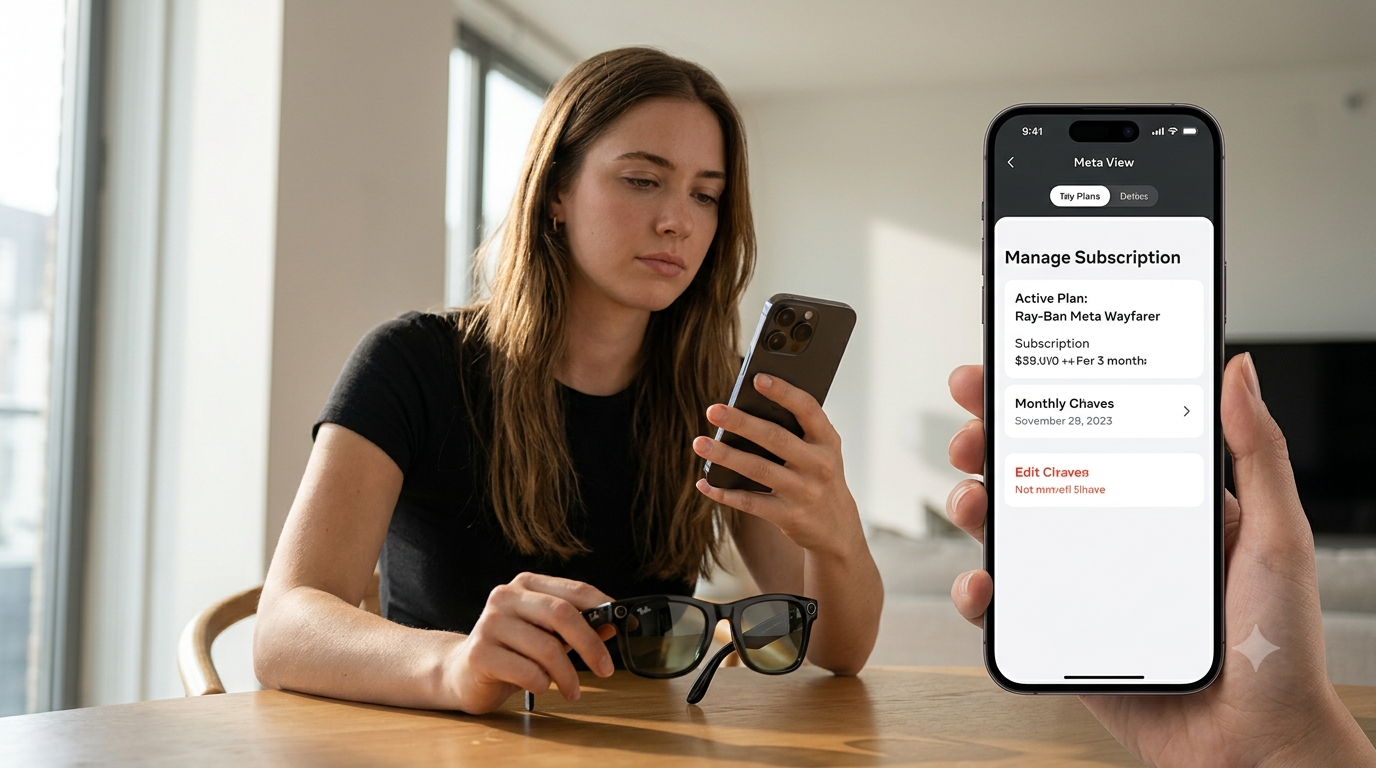
Between you and me, the tech industry is full of parasites milking the third-party developer ecosystem for all its worth. You drop $300 on smart glasses, only to realize your built-in voice assistant will stop working unless you throw another $10 a month their way.
Your friendly neighborhood smartglass expert is here to tell you exactly which companies charge you every month, which ones are free forever, and how to bypass those pesky paywalls for the AI features entirely. Lets cut through the noise and discuss the reality of smart glasses with prescription and without in 2026.
The Brutal Truth About Smart Glasses Monthly Fee & Subscriptions
The good news is – for 95% of the leading pairs of smart glasses on the market, the features you see in your day-to-day life will not require a monthly subscription.
Once you start wanting to use the “Pro AI”, “3D Spatial Computing”, or “Advanced Cloud Asssistance” features, however, manufacturers are realizing that they have to eat some of those server costs themselves.
In order to not lose money on every pair of glasses sold, companies are trying to offload at least a portion of those costs to the user
If you want to avoid paying exorbitant prices after the initial purchase of your frames, here is a list of exactly which models to buy.
Step-by-Step: Breaking Down The Smart Glasses Fee Costs
1. The “Free Forever” Everyday Glasses
If you just want to take pictures, listen to Spotify, and use voice-assistant features, stick to the big-name brands. Meta and Amazon both absorb the server costs to keep you chained to their products, meaning no monthly fees for you.
The Ray-Ban Meta glasses are comfortable and my personal favorite among “everyday glasses”. They offer 12 MP ultrawide camera, amazing open-ear audio, and basic Meta AI voice features without any subscription costs.
Top Pick: Ray-Ban Meta Wayfarer These are the undisputed kings of the 2026 smartglass market. You get fantastic cameras, excellent Bluetooth headphones, and the ability to use the Meta View app without ever seeing a monthly bill.
2. The AR Display Glasses (Mostly Free)
AR glasses such as the Xreal and Viture line project an enormous 130 inch virtual display in front of the user. These augmented reality headsets essentially act as a computer monitor, meaning there are no monthly fees to connect them to your Steam Deck or iPhone
Some companies do offer optional “spatial computing” apps that require a subscription, however, you do not need them to watch movies on smart glasses or play games. Just skip their upsold “pro” apps to enjoy your virtual cinema.
Premium Pick: Xreal Air 2 Pro These augmented reality glasses boast fantastic 120hz micro-OLEDs and electrochromic variable tint lenses. Simply plug them into any USB-C device and you are ready to go for free. Ignore the paid apps, as the native display features are more than enough to enjoy your favorite shows.
3. The Audio-Only Smart Frames (Budget Friendly)
If you just want to listen to music and talk to Alexa hands-free without having to worry about cameras or displays, audio frames are the way to go. These budget-friendly smart glasses connect to your phone via Bluetooth, using your data plan for all connectivity.
The Amazon Echo Frames are the undisputed champions of the “audio frames” category. Unless you use any Amazon Music Unlimited features, the glasses will not require any additional payments from you.
Budget Pick: Amazon Echo Frames (3rd Gen) These lightweight smart glasses are perfect for anyone who wants Alexa without having to invest in a full set of smart glasses. Up to 14 hours of battery life accompany every 1-hour charge.
How to Bypass AI Paywalls (My Secret Hack)
Let’s say you bought a cool pair of smart glasses from an unknown company, and they just decided to charge you $10 a month to use their built-in AI assistant. Don’t worry, and most importantly
DO NOT GIVE THEM YOUR PAYMENT INFORMATION.
I personally use a hacked method every single day that lets me avoid paying any monthly subscription fees.
Since most smart glasses act as Bluetooth headphones, simply download the ChatGPT app on your iPhone or Android, and open it up using your phone’s shortcut button. You can now use the world’s most advanced free AI through the speech features of your smart glasses
Bypass all the paywalls and let your favorite pair of smart glasses send you helpful prompts about food recipes, code writing, or real-time language translation.
As much as I dislike it, I think it’s fair to charge people a subscription to use the hardware they bought. Don’t you agree? Let me know in the comments below if you have ever had a negative experience with a monthly tech fee.
Comment underneath with the smart glasses you are currently using, and let me know if you have found any other methods of bypassing the software paywalls. We can all band together to save money at the expense of greedy corporations!
Frequently Asked Questions
Do Ray Ban Meta Glasses Require a Subscription?
No, the Ray Ban Meta smart glasses do not require any subscription. The Meta View app, camera features, and Meta AI voice assistant all come with the purchase of the smart glasses
Can I use smart glasses without a data plan?
Smart glasses do not have their own cellular plan. Instead, they utilize the WiFi and Bluetooth features of whichever phone you are connecting them to.
As long as your phone can access the internet, your smart glasses will work just fine, even without an additional data plan.
AR smart glasses (such as Xreal or Viture) have a monthly fee?
The core features of augmented reality glasses are free with purchase. You can plug them into any computer with a USB-C port to utilize their features without any additional payments.
Some companies do offer optional paid apps for more immersive 3D experiences, however, you will not be charged for any of the native apps that come with the smart glasses.
Why do some smart glasses charge for AI?
Processing advanced AI features such as “Pro Voice Assistant” or “Real-Time 3D Object Scanning” can be very expensive. Smaller companies cannot absorb those costs, and therefore charge the consumer a small monthly fee to offset the expenses.
